Welcome to COFFEE CRM
Understand what COFFEE CRM is, how it helps your business, and where to begin your setup journey.
For: New Customers
Time: 5 minutes
Before You Begin
- •Have your COFFEE CRM login credentials ready.
- •Log in to your account from a desktop computer.
Instructions
1
Meet Your New Revenue System
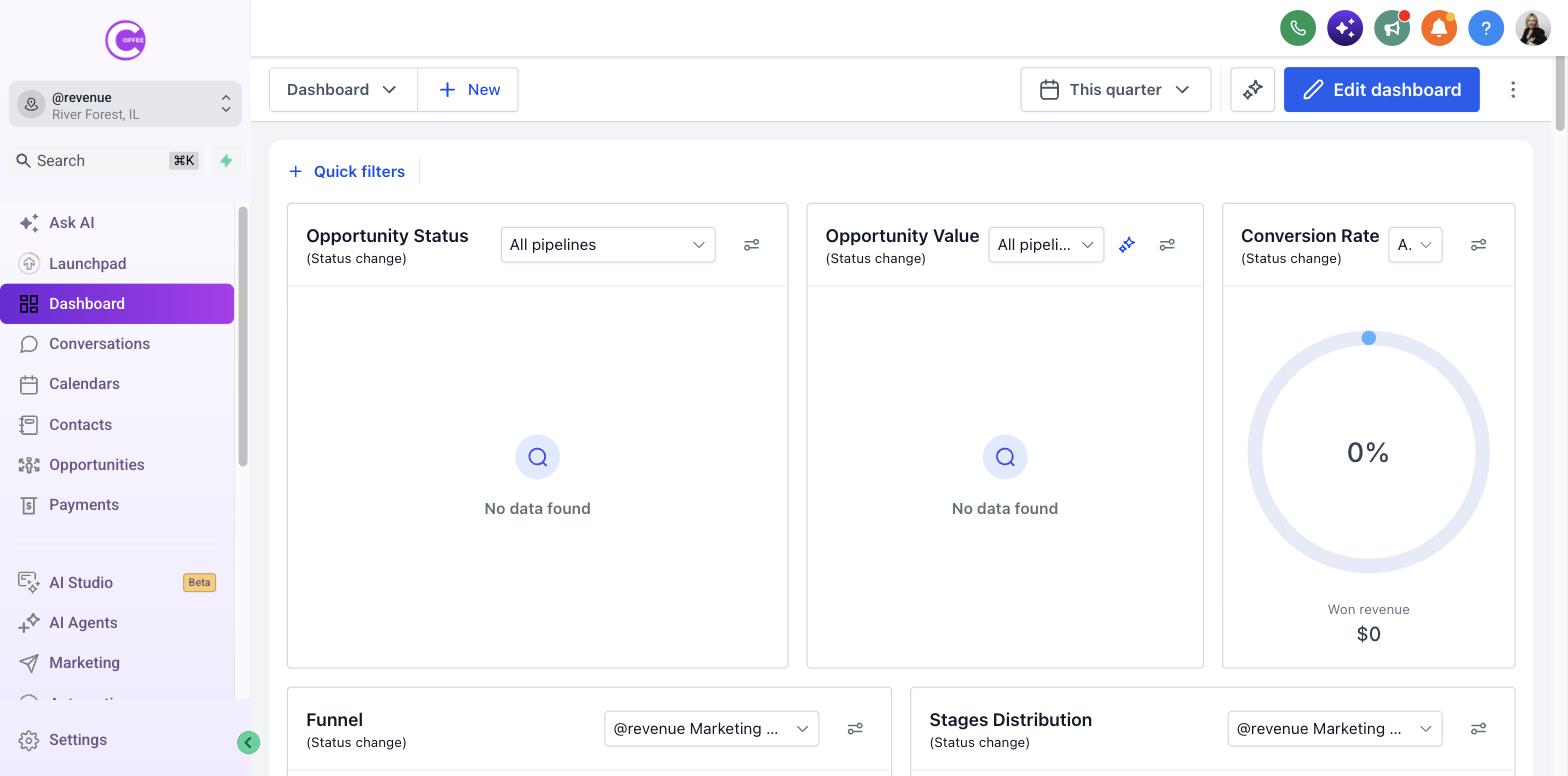
COFFEE CRM is more than just a place to store contacts. It is a complete revenue system designed to capture leads, automate follow-up, and organize your sales pipeline. We built this platform so you can stop juggling dozens of disconnected tools.
2
Understand the Core Features
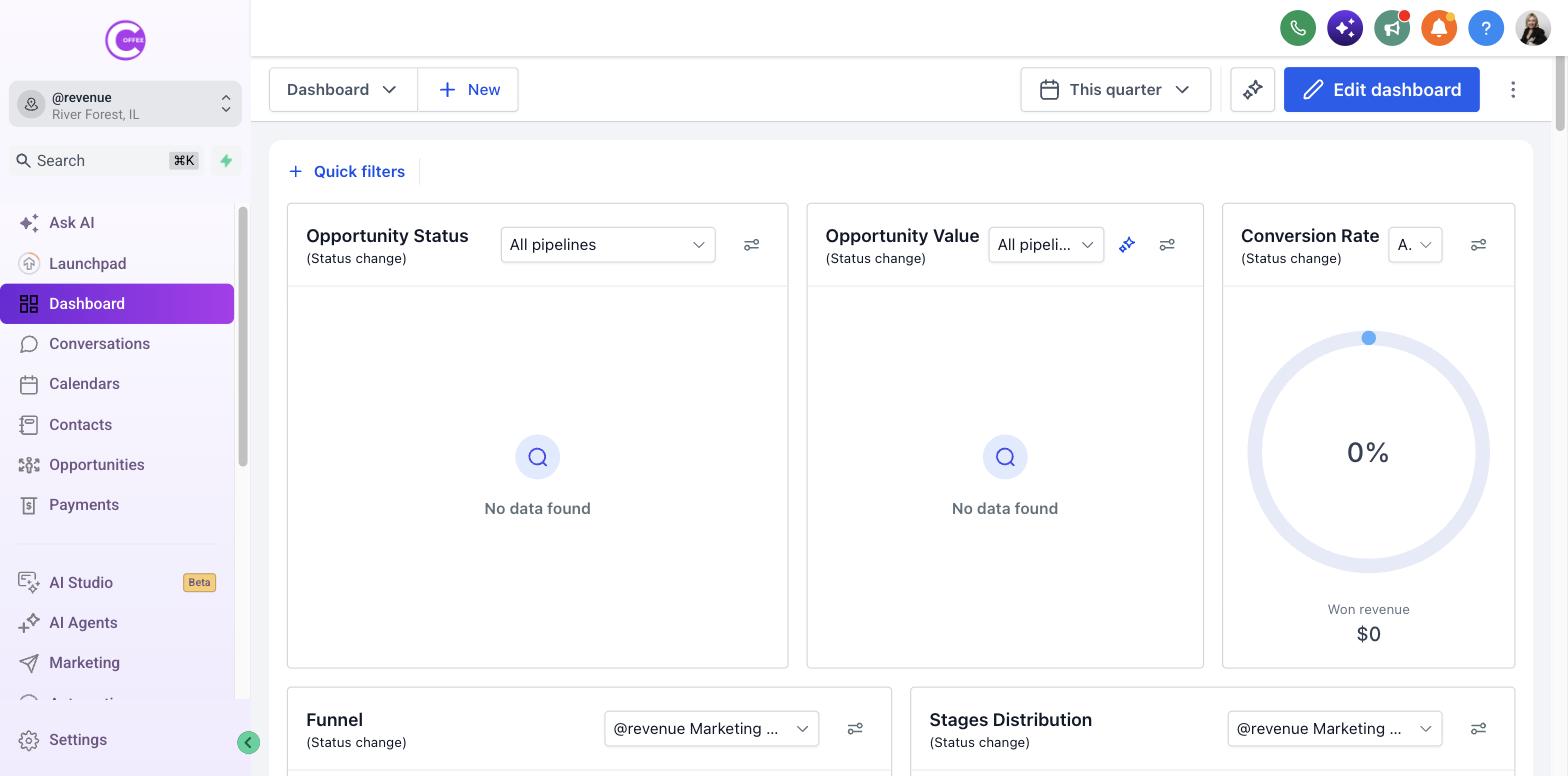
Your account includes tools for Conversations (unified inbox), Pipelines (sales tracking), Calendars (booking), and Marketing (email/SMS). You will find all these tools in the main left-hand menu.
3
Choose Your Setup Path
If you are an administrator, start by completing your Business Profile and adding your team members. If you are a team member, start by updating your Personal Profile and connecting your calendar.
What Success Looks Like
- You have successfully logged into COFFEE CRM.
- You understand the basic purpose of the platform.
Common Mistakes
- × Trying to set up advanced automations before completing your basic profile settings.
Troubleshooting
If You cannot log in:
Click the "Forgot Password" link on the login screen or contact COFFEE Support if your account hasn't been activated yet.
Last updated: 10/1/2026